Grand Theft Auto VI is out on PlayStation 5 and Xbox Series X and S. Qazinform News Agency explains how to choose the right console for your budget. We also show parents how to set up parental controls before their child plays.
Check which console you already own
If you already own a PS5, Xbox Series X or Series S, you can play GTA 6. Check your available storage before downloading. The exact installation size depends on your device.
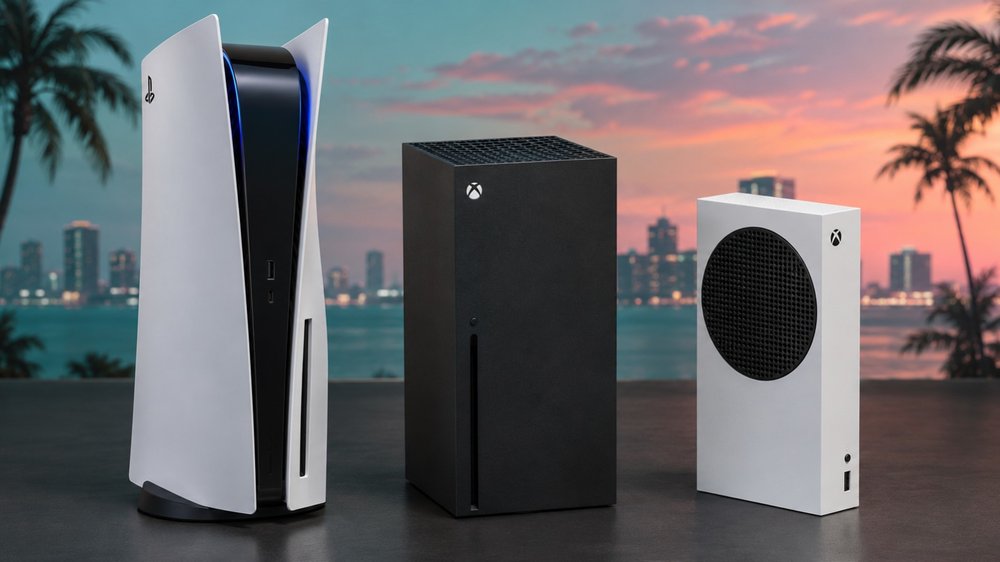
If you’re buying secondhand, pay close attention to the model name. The Xbox Series S runs GTA 6. The older Xbox One S cannot run it. The same distinction applies to the Series X and One X. On PlayStation, the cutoff is easier to remember. Rockstar released the game for PS5 and skipped the PS4.
Choose an Xbox based on your budget, storage and TV
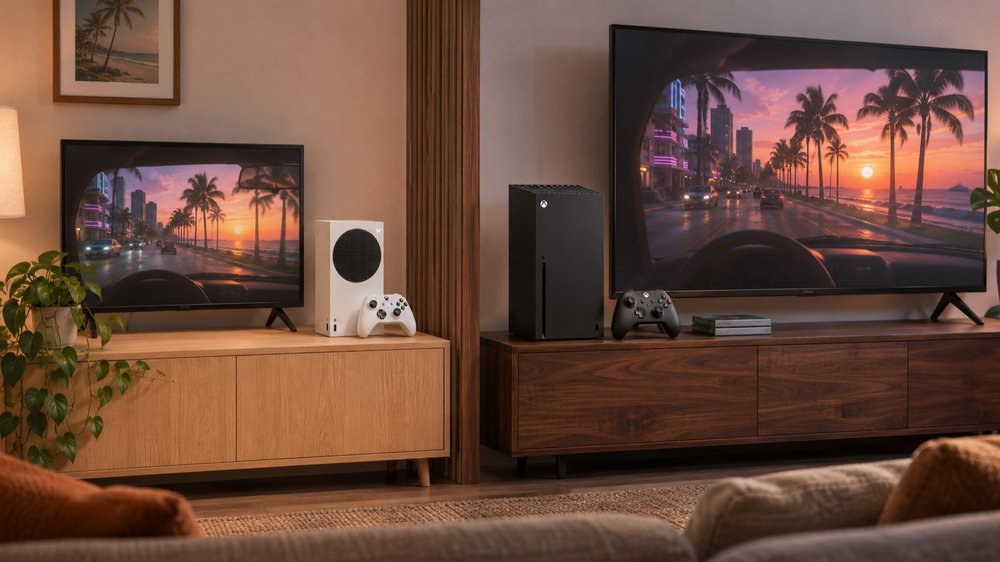
Microsoft calls the Xbox Series S the cheapest new console for GTA 6. It’s a good fit if you download games and use a 1080p TV. Both the 512 GB and 1 TB models have 10 GB of working memory. That memory helps run games. The built-in drive determines how many you can keep installed.
Rockstar says GTA 6 needs up to 212 GB, depending on the console. At that size, it would take up 41% of a 512 GB drive’s advertised capacity. On a 1 TB drive, that drops to 21%. If several people share your Xbox, the larger drive leaves more room for everyone’s games.
The Xbox Series X comes with 16 GB of working memory and 1 TB or 2 TB of storage. Microsoft designed it for 4K gaming, while the Series S targets 1440p. If you own compatible Xbox discs, choose a Series X with a disc drive. Microsoft also sells an all-digital version.
Decide what’s worth paying for on PlayStation
The PS5 Digital Edition runs the full game. Sony lists the current US model at $599.99 with 825 GB of storage. The standard PS5 costs $649.99 and comes with a 1 TB drive. Both have 16 GB of working memory. The extra $50 buys you a disc drive and 175 GB more space for games. If you’re buying secondhand, check the capacity on the box. Earlier models came with different storage options.
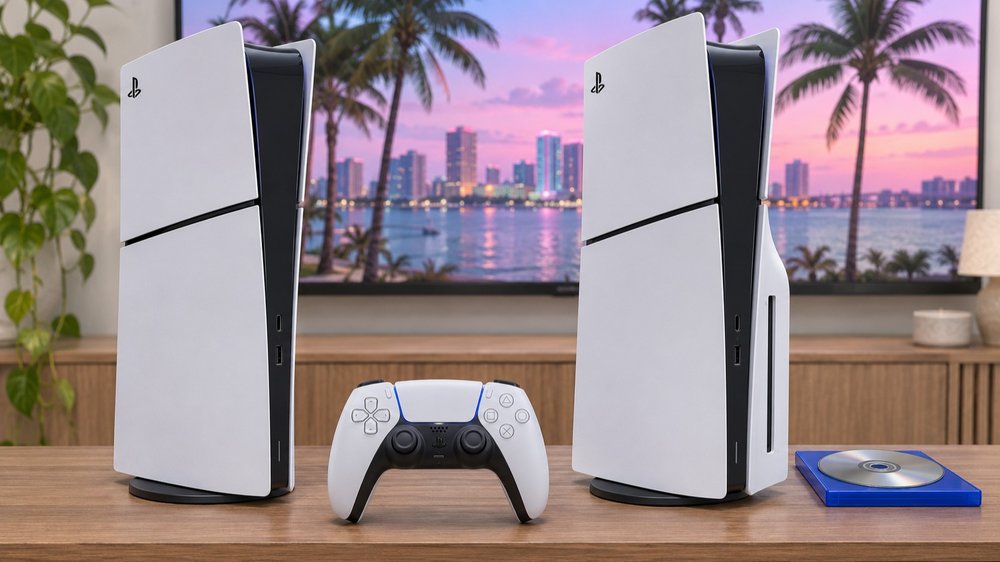
The PS5 Pro costs $899.99 and includes a 2 TB drive. That’s twice the storage of the current standard PS5. The Pro has 16 GB of GDDR6 memory plus 2 GB of DDR5 memory. In GTA 6, Sony says players get a sharper picture and more realistic shadows. The extra storage matters if you keep several large games installed alongside GTA 6.
Check the code before buying a boxed copy
GTA 6‘s launch box contains a single-use code for downloading the game. That matters if you’re buying a used copy or ordering one from abroad. Check that the code is unused and matches your console. For PlayStation, also check whether it works in your account’s region. Rockstar says Xbox codes have no regional lock. The standard edition includes the full game on either platform.
How to set parental controls before your child plays GTA 6
GTA 6 carries a US Mature 17+ rating for content including intense violence and strong sexual content. On a shared console, a child can have different permissions from an adult. Start with a separate child account. Then decide which games they can open, how long they can play and what they can buy.
On PlayStation 5
1. Sign in as the family manager. Open Settings → Family and Parental Controls → Family Management. Add your child to the family, then select their account.
2. Choose the game age limit for that child. To keep GTA 6 off their profile, leave it blocked if they request access. Set a login passcode on your adult profile, too.
3. Leave Monthly Spending Limit at zero to prevent purchases from your wallet. Under playtime settings, choose how long your child can play. Select Log Out to end the session automatically when time runs out.
On Xbox Series X or Series S
1. Open the Xbox Family Settings app on your phone. Sign in as the parent and add your child’s Microsoft account. Have your child use that account on the console.
2. Select the child’s profile and open the content settings. In the US, an age limit below 17 blocks Mature-rated games, including GTA 6. You can review requests for individual games without raising the overall limit.
3. Set a daily play schedule and choose who can contact your child. Turn on Ask to Buy to review purchases their account balance cannot cover.
Before handing over the controller, sign in as your child and try opening GTA 6. If you blocked the game, check that the console asks for permission.
Earlier, Qazinform reported that players in New Zealand were among the first to enter Vice City.